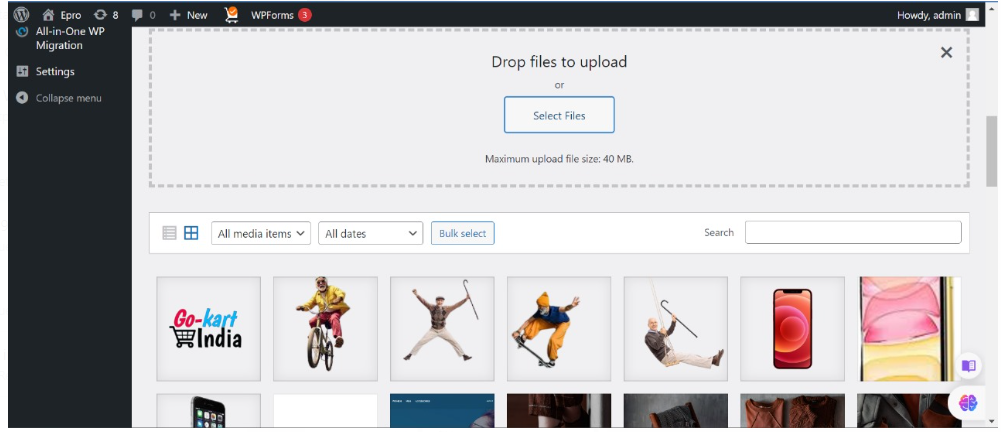







Uploading a Media File in WordPress
Uploading a media file in WordPress is a straightforward process. Here’s a step-by-step guide:
1.Click on Media.
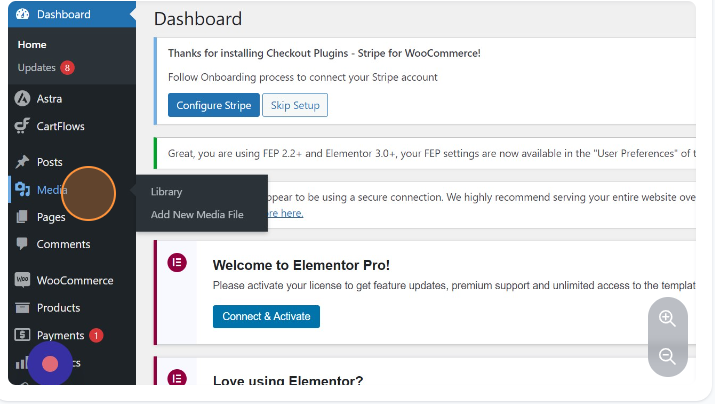
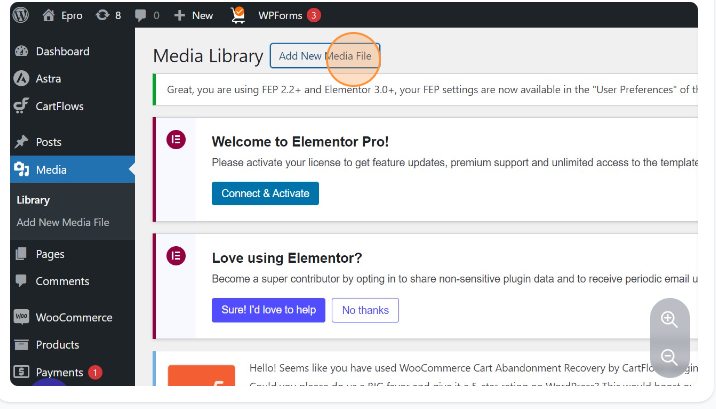
2.Click on Add New Media File.
3.Click on Select Files.
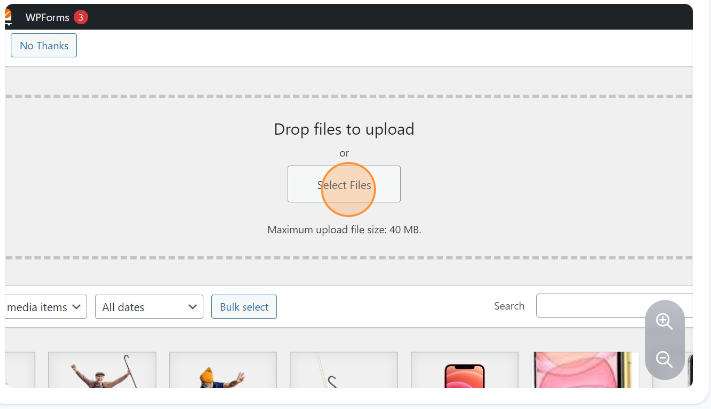
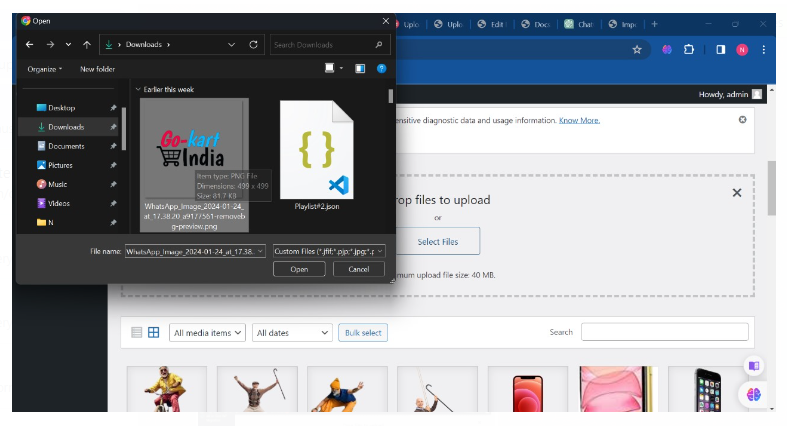
5.Select the file.
Select the file that you want to upload in the media library by browsing the file explorer window.
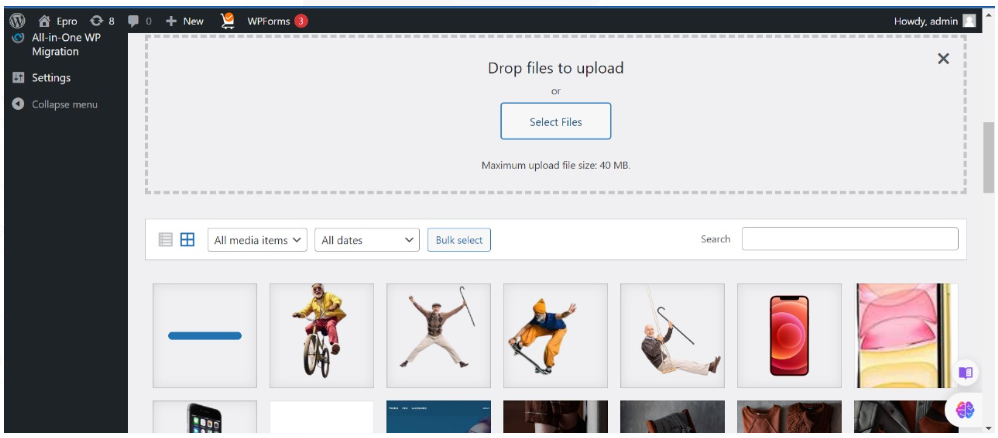
6.The upload will begin and will be available for use.