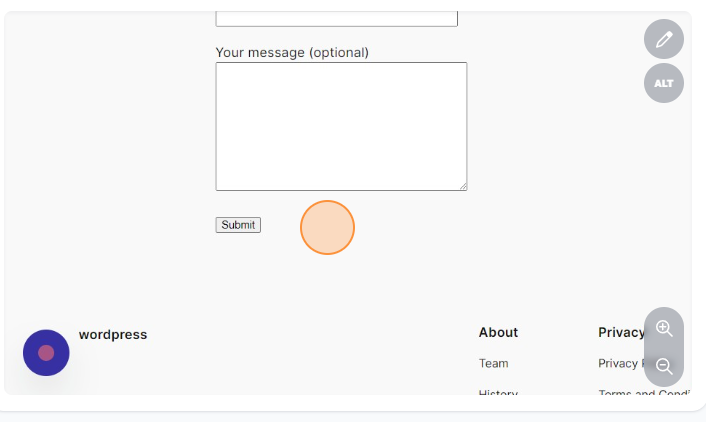







How to install and edit the contact form
Installing and editing a contact form in WordPress can be done using a variety of plugins. One popular and user-friendly option is the “Contact Form 7” plugin. Here’s a step-by-step guide:
1.Click on Add New Plugin.

2.Click on the Search Plugins field.
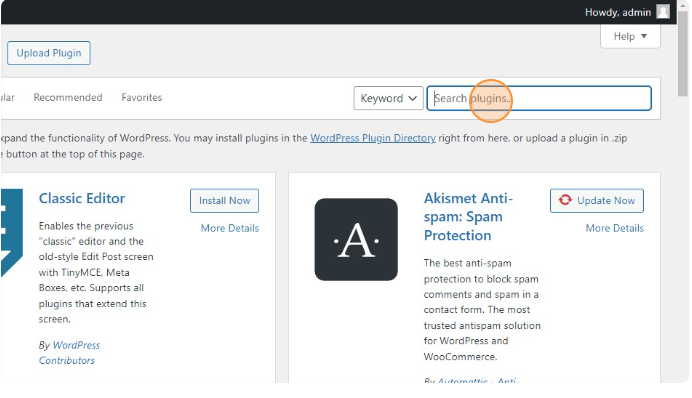
3. And type Contact Form 7.
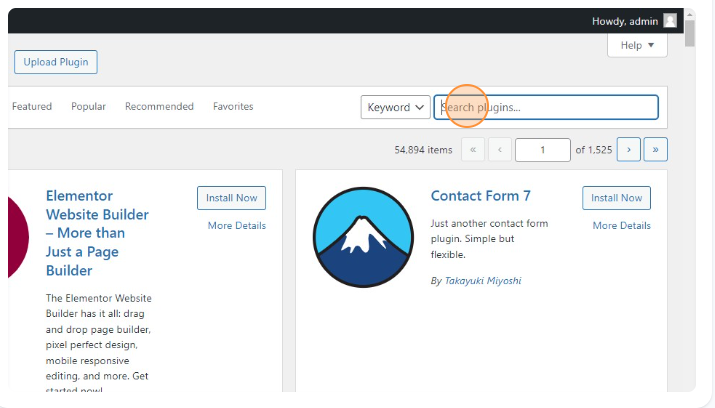
4.Click on Install Now button.
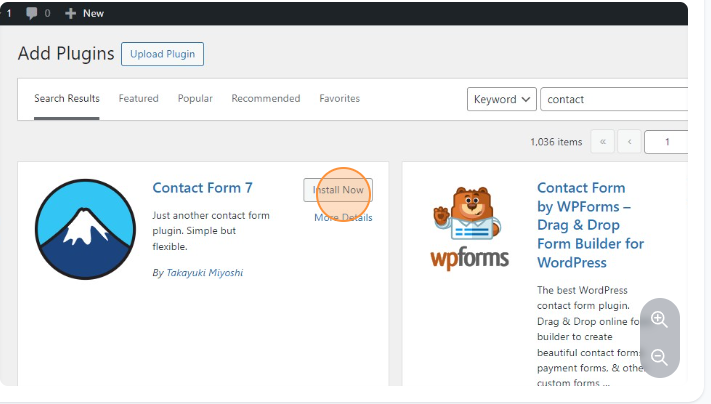
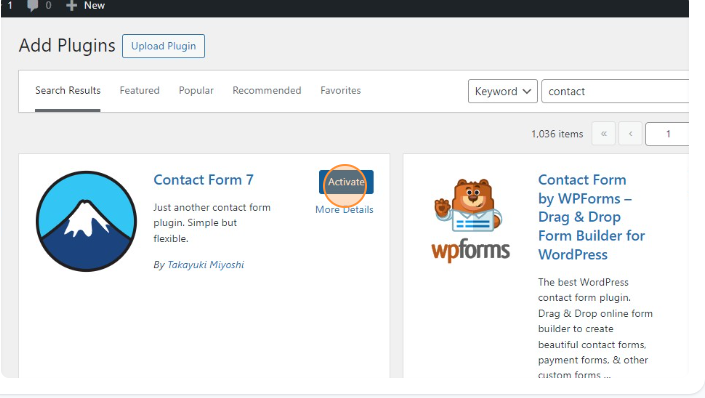
5.After installing click on the activate button.
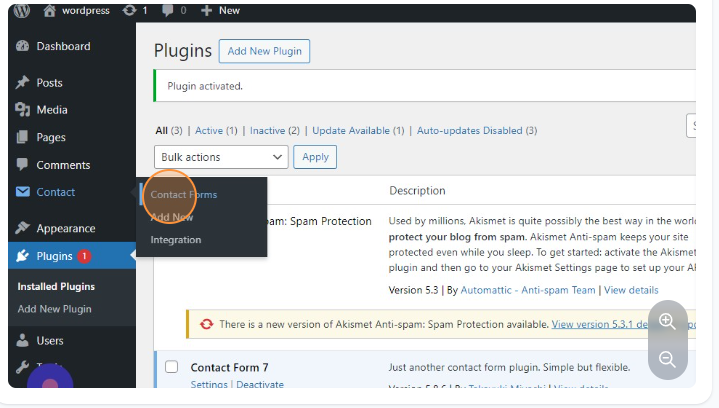
6.Click on the Contact Forms.
After activation, you will see a new menu item labeled “Contact” in your WordPress Dashboard.
Click on it.
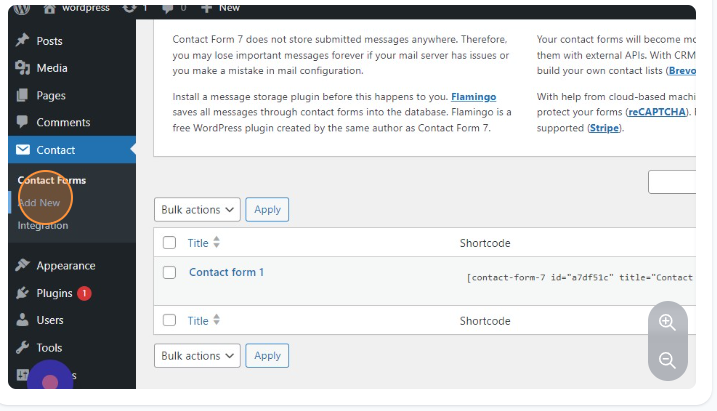
7.Click on Add New.
8.Click on the Enter title here field and give your title.
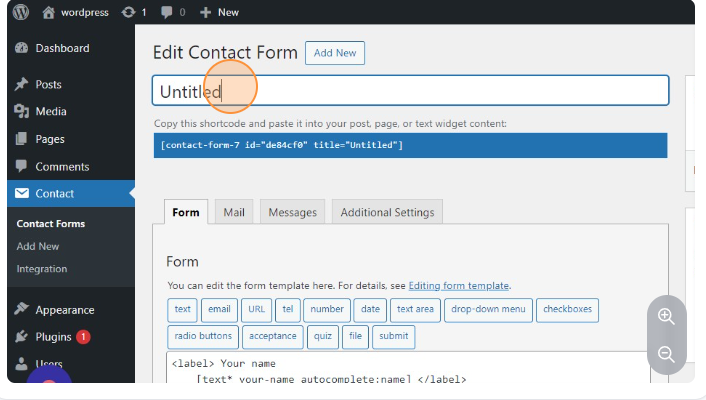
9.Click on Form and make the changes you want in the form.
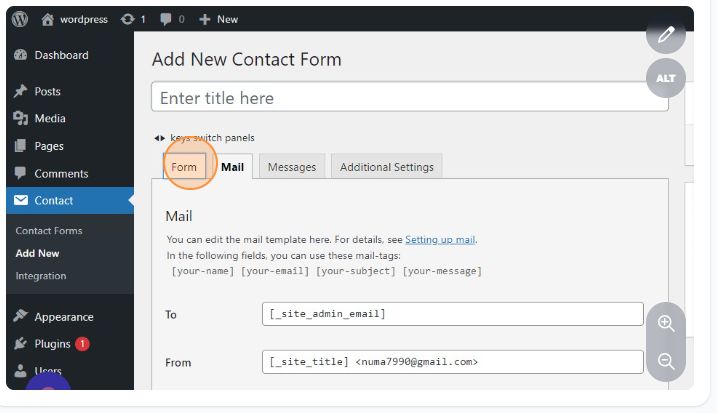
10.Click on Mail and set accordingly to your form.
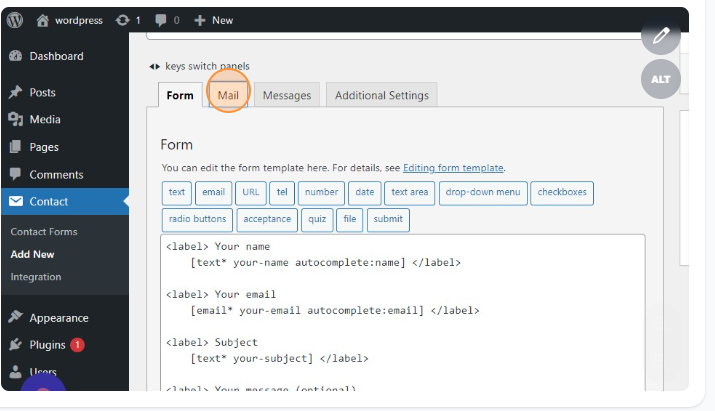
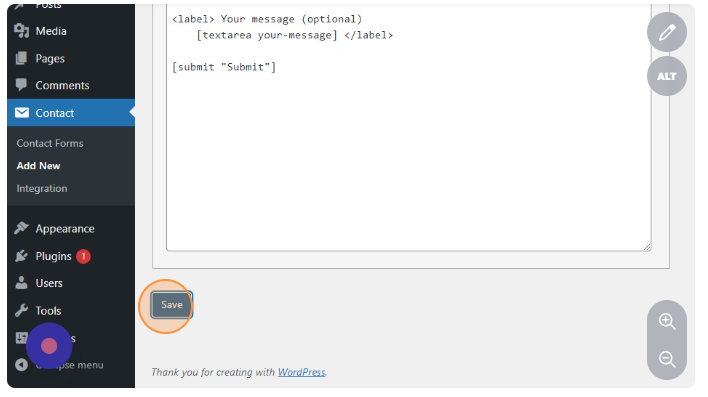
11.Click on the SAVE button when you finish the above the steps.
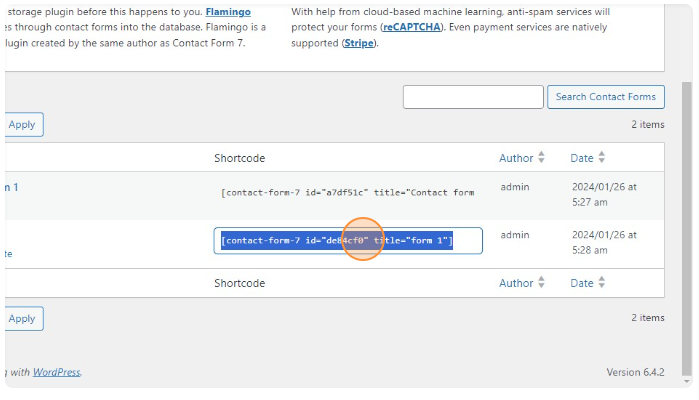
12.Copy the shortcode.
13.Click on Add New Page.
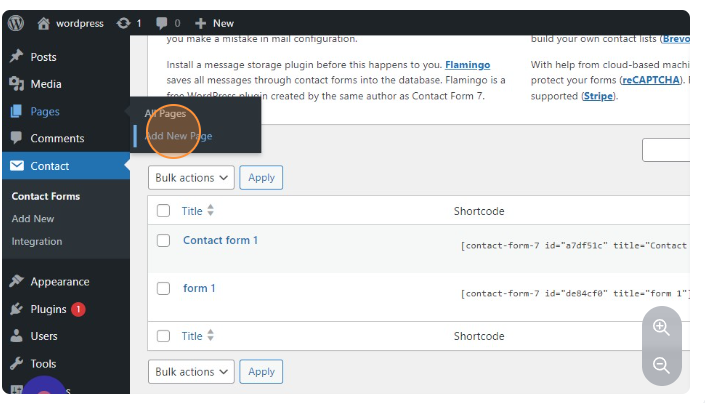
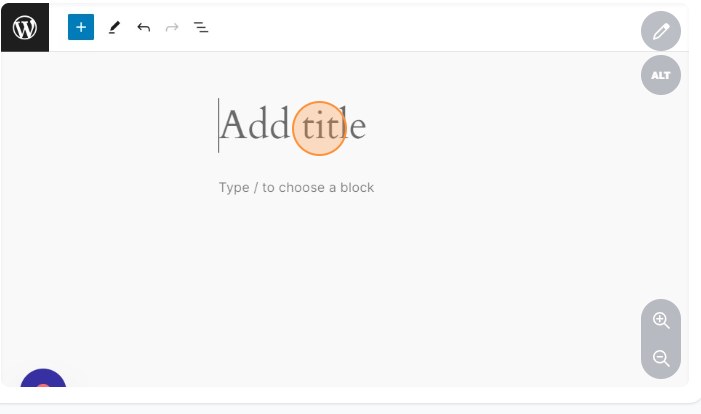
15.Give your title.
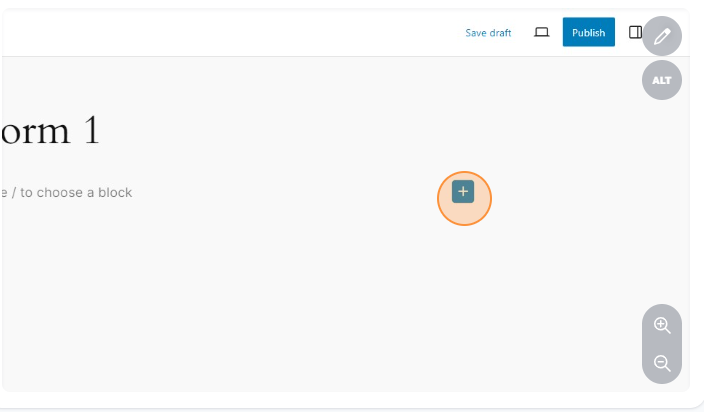
16.Click this icon.
17.Click on the Search for blocks and patterns field and type shortcode.
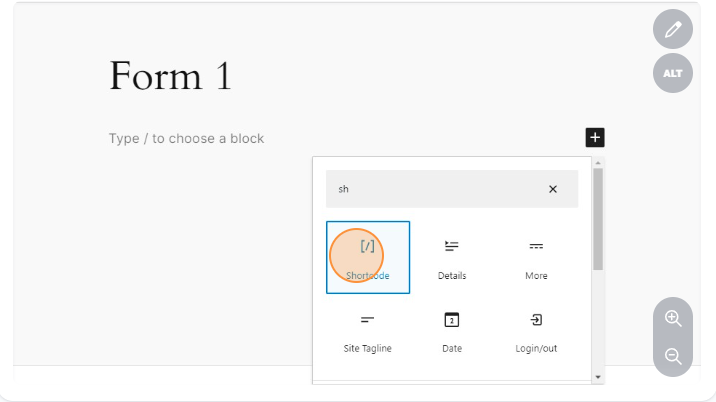
18.Place the shortcode.
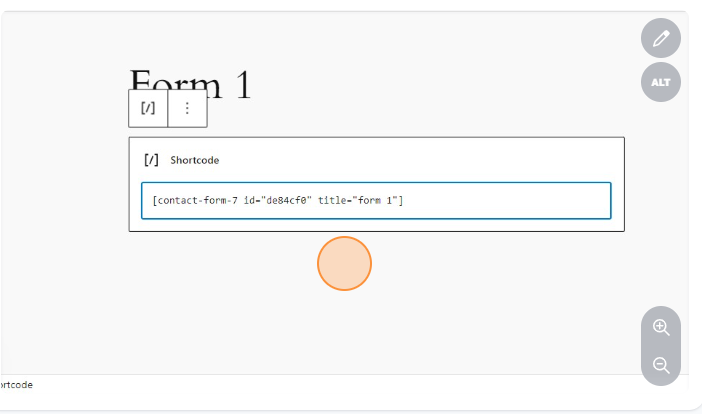
19.Click on Publish.
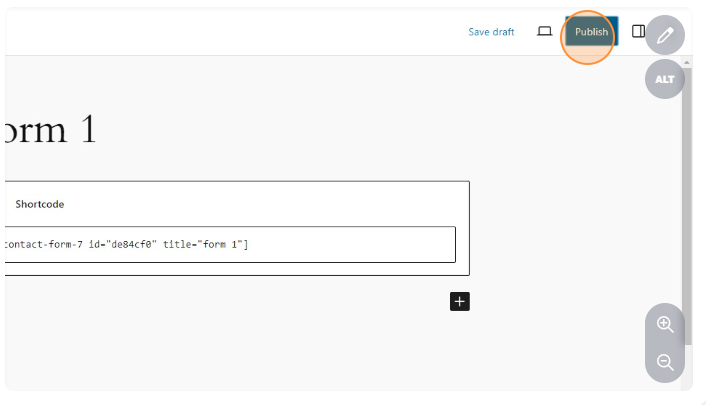
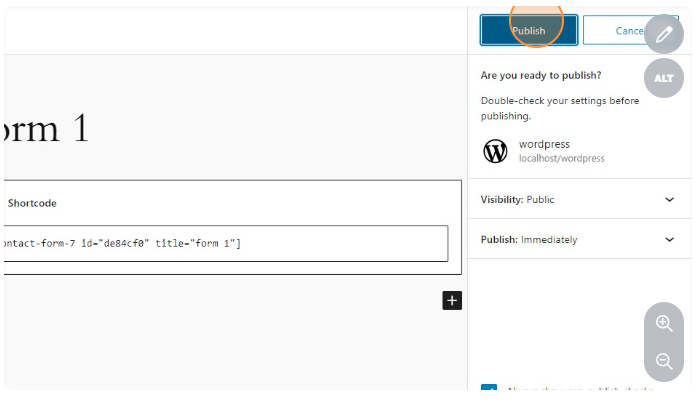
20.Click on Publish.
21.Click on View Page.
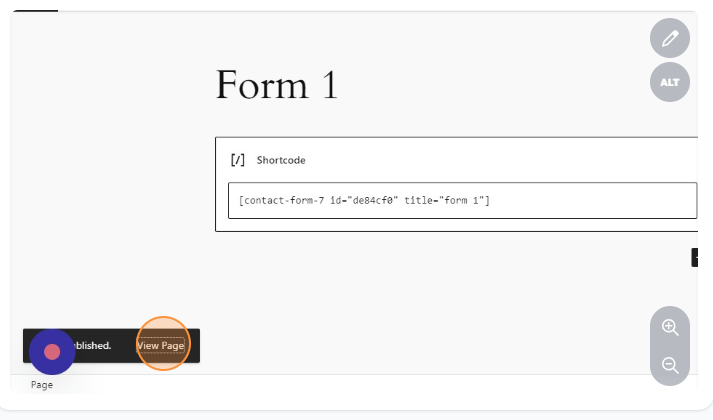
22.You can view your page.