







How to Create an Animated Background with JavaScript and Hover Effects
1.create a new section in new page
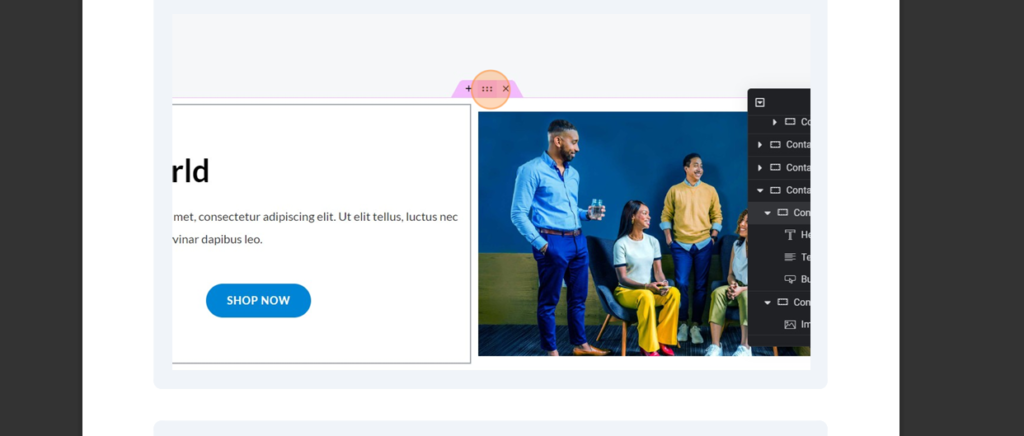
2.select the section to add the particle animation
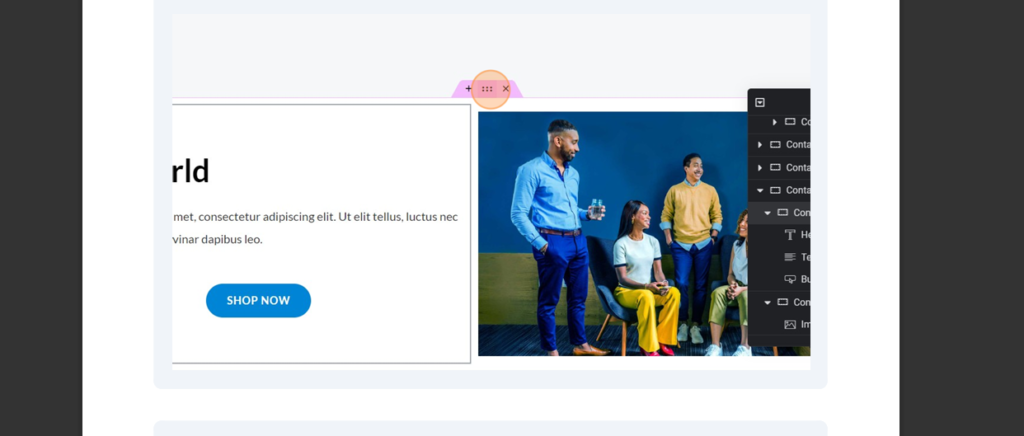
3.add html widget to the container
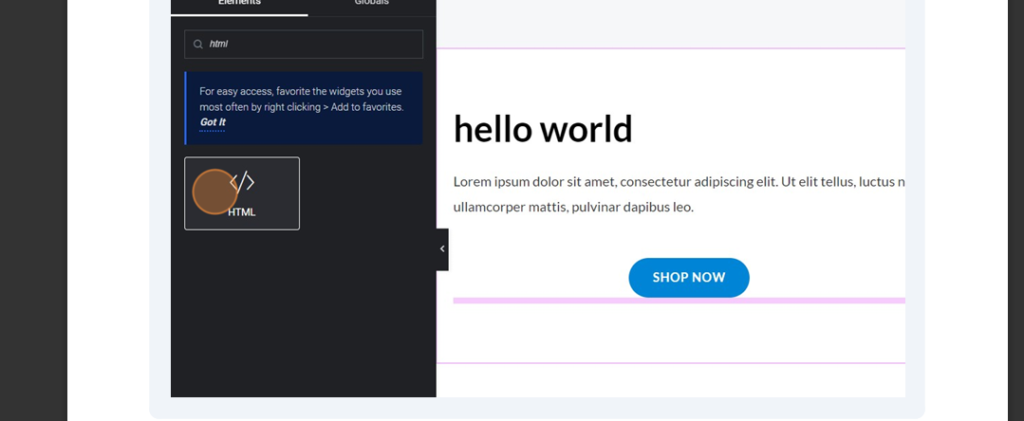
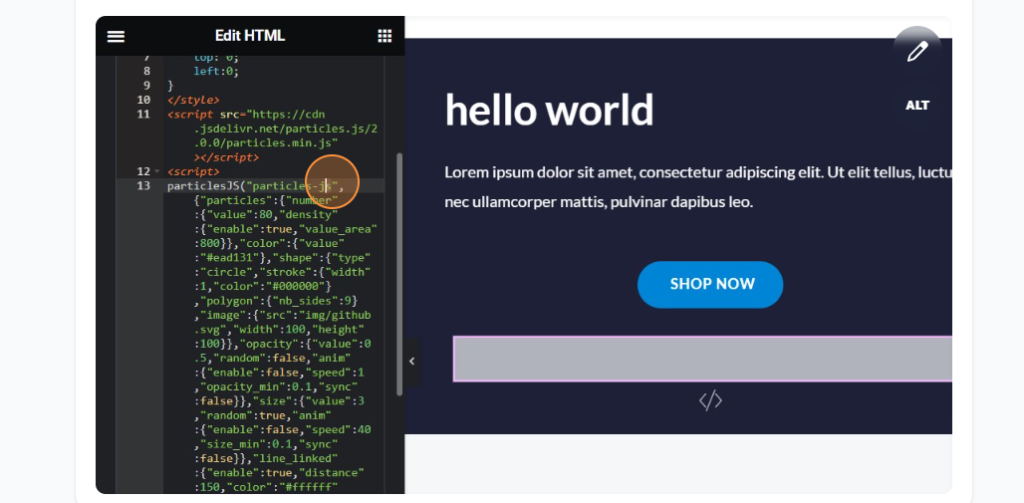
4.paste the following code in the html section
<style>

.particles-js-canvas-el {

width: 100%;

height: 100%;

position: absolute;

z-index: -1;

top: 0;

left:0;

}

</style>

<script src="https://cdn.jsdelivr.net/particles.js/2.0.0/particles.min.js"></script>

<script>

//JS Code Here

</script>
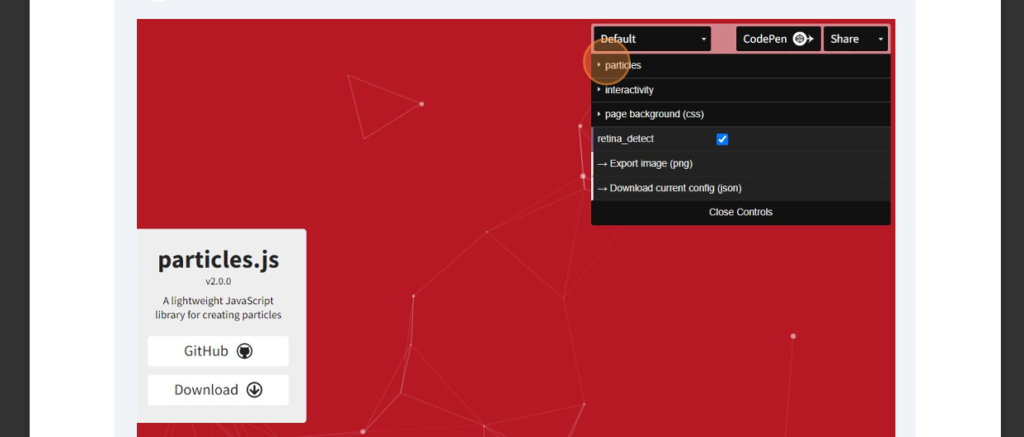
5.now open particle.js in google
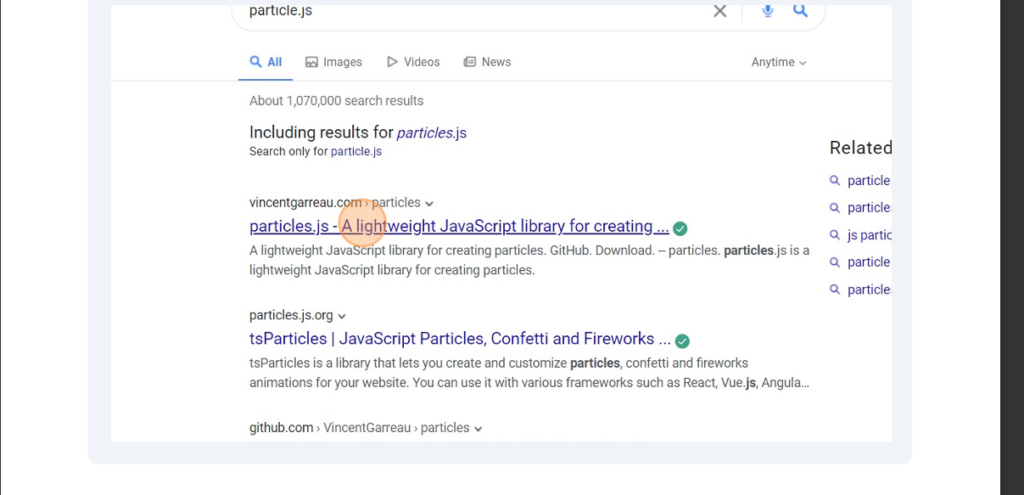
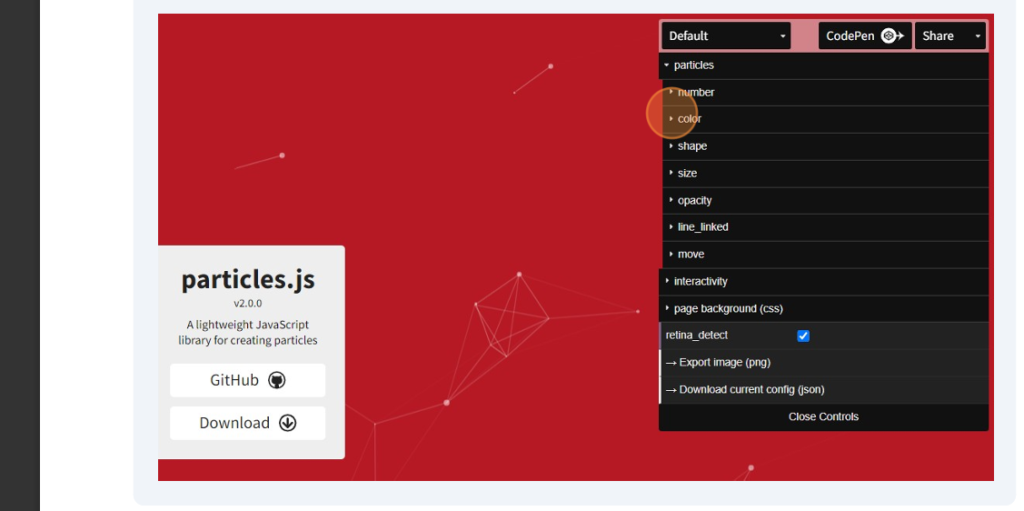
6.create your own design of particle by using given options
7.now click on code pen
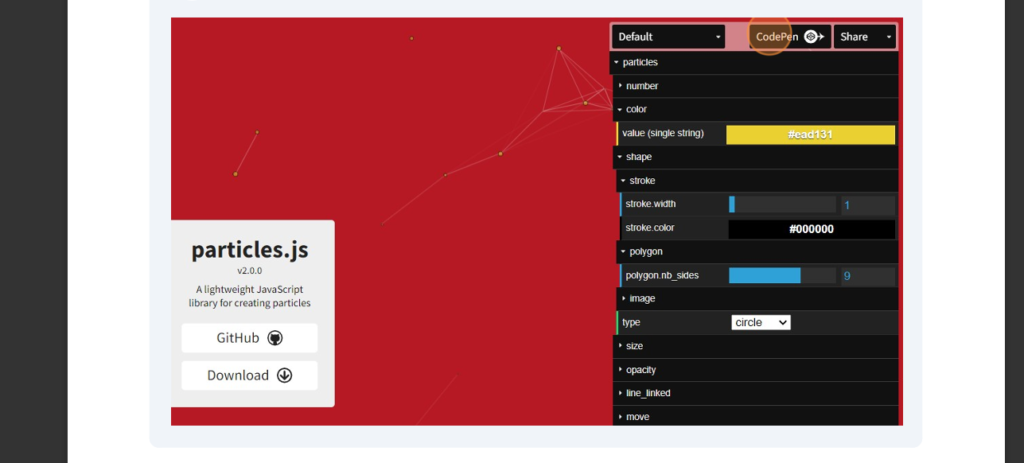
8.copy the javascript code ad paste in html page in script tag
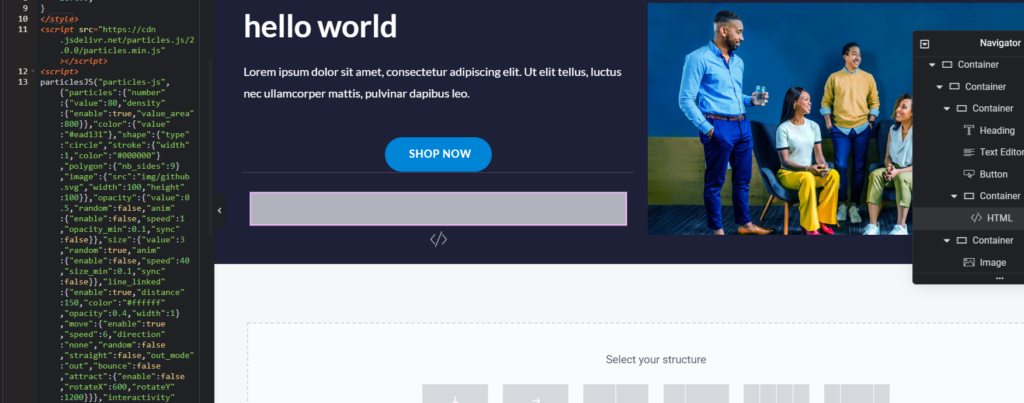
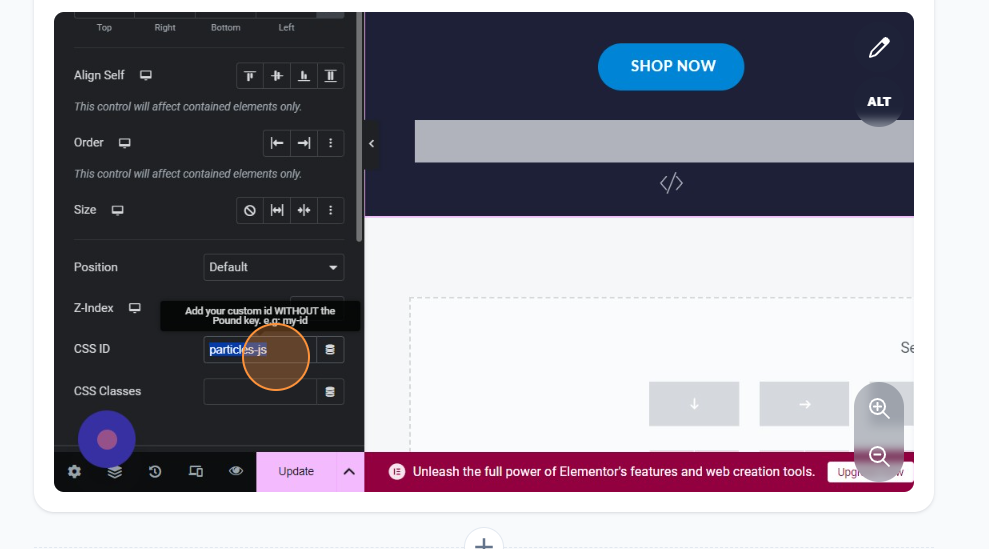
9.select the id of javascript and paste it in the place of selected container css id
10.the output will be

you can see the designed particle effects are applied to the selected container
NOTE:
if it didn’t work change the z-index in html to 0 or 1 and check
