







Animative Contact Form, with Zappier Automation
- Create a Visme Account: If you haven’t already, sign up for a Visme account. You can do this by visiting the Visme website and clicking on the “Sign Up” button. You can choose a free or paid plan depending on your needs.
- Access the Forms Tool: Once you’re logged into your Visme account, navigate to the dashboard and select the option to create a new project. In the editor, look for the “Forms” option in the left sidebar menu. Click on it to access the forms tool.
- Choose a Template or Start from Scratch: Visme offers pre-designed form templates to choose from. You can select a template that fits your needs or start from scratch if you prefer to build your form from the ground up.
- Customize Your Form: Use the drag-and-drop editor to customize your form. You can add and remove form fields, adjust their sizes and positions, change colors and fonts, and add background images or animations to make your form visually appealing.
- Add Animation: To make your form animated, you can add animation effects to individual elements or the entire form. Visme provides a range of animation options, including entrance animations, emphasis animations, and exit animations. Experiment with different animation styles to find the one that best suits your design.
- Preview and Test Your Form: Once you’ve finished customizing your form, preview it to see how it looks and functions. Make sure all the form fields work as intended and that the animation effects enhance the user experience rather than detract from it.
- Publish or Embed Your Form: After you’re satisfied with your animated form, you can publish it directly to the web using Visme’s publishing options. Alternatively, you can embed the form on your website or share it via a link.
- Track Form Responses: If you’re using Visme’s forms for data collection, you can track responses and analyze the data using Visme’s analytics tools. This can help you gain insights into user behavior and improve your forms over time
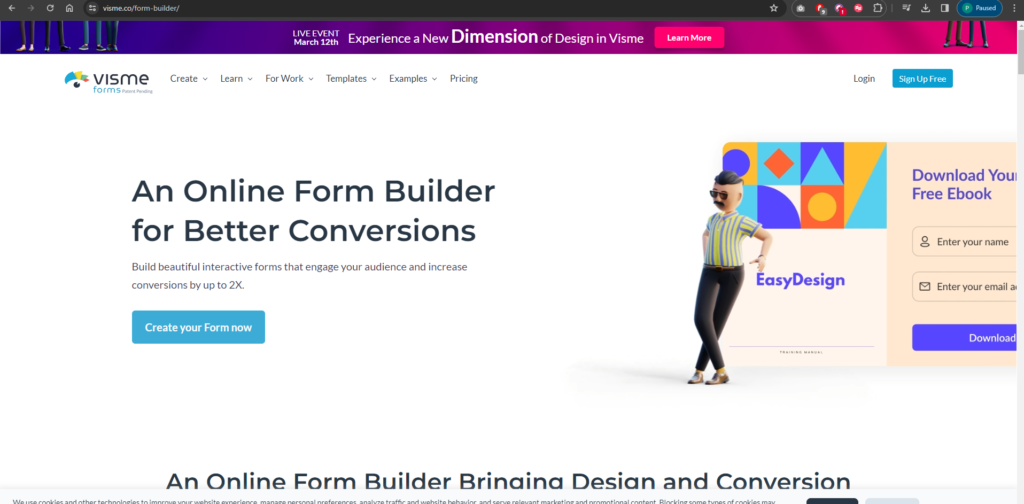
login into vimse
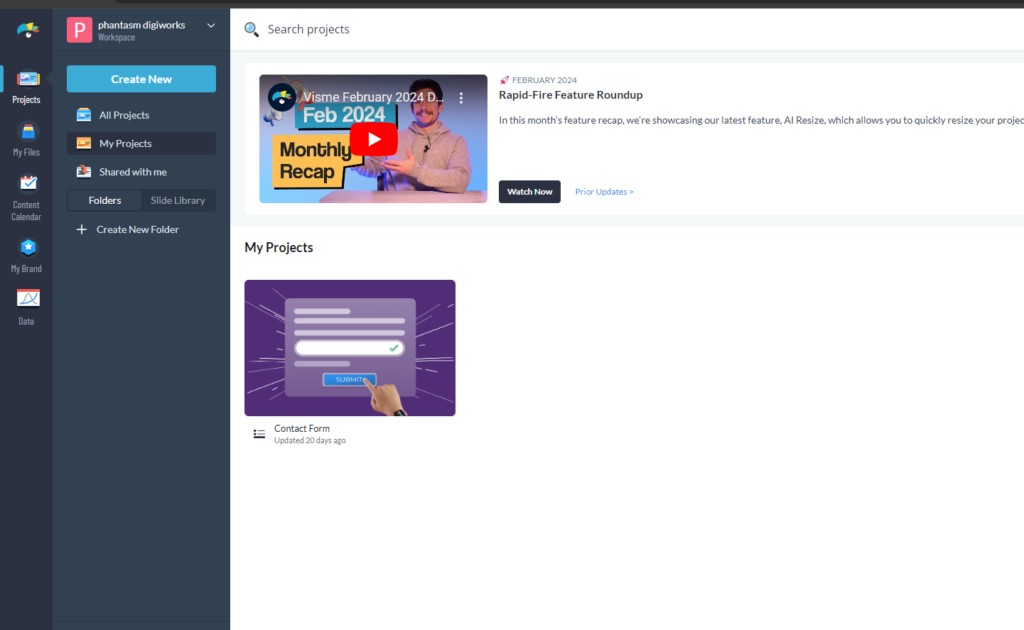
if u want u can create new from top
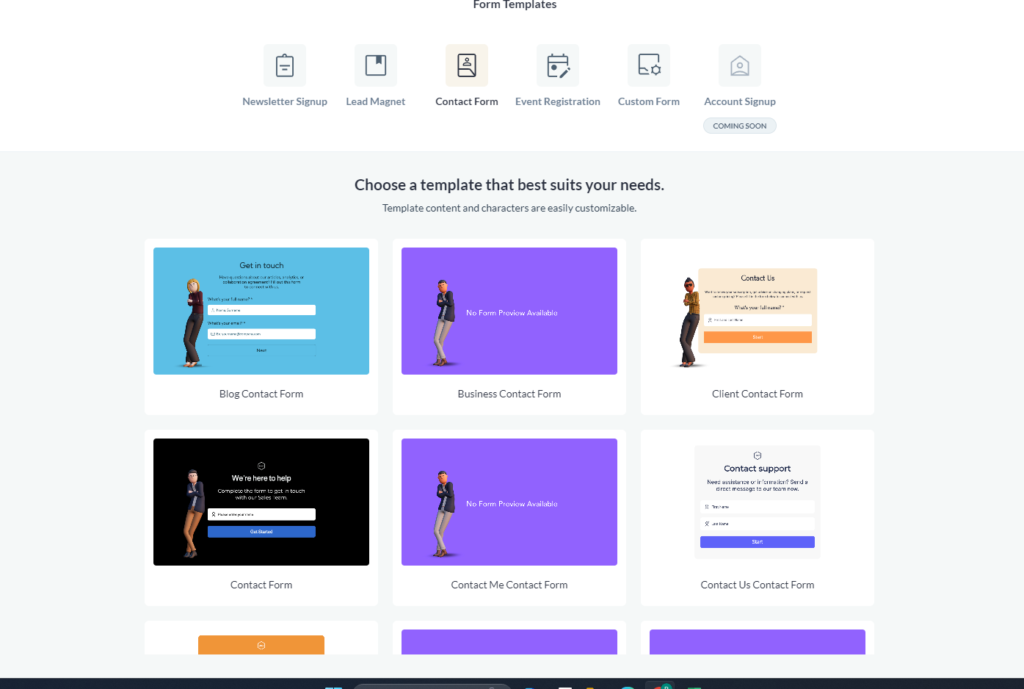
select your desired theme from here
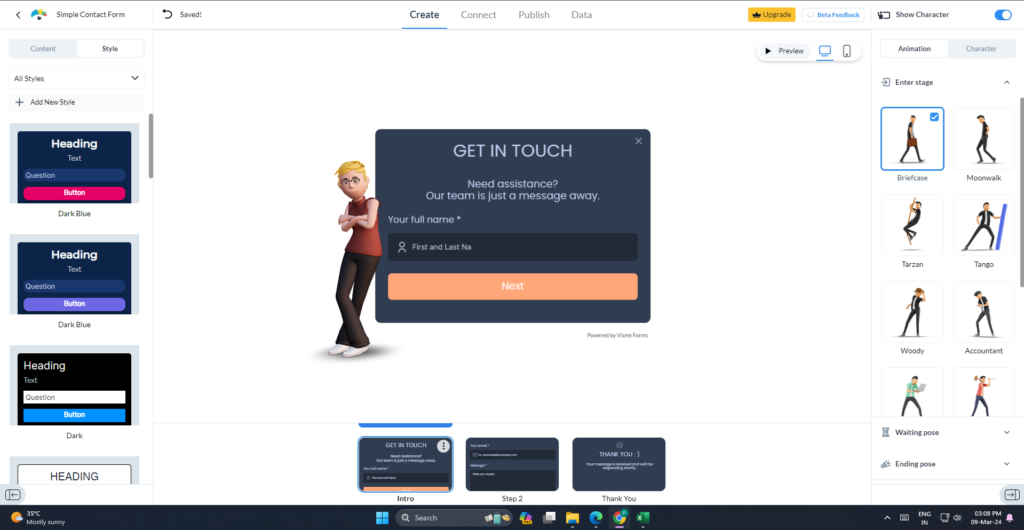
do the styling accordinlgy
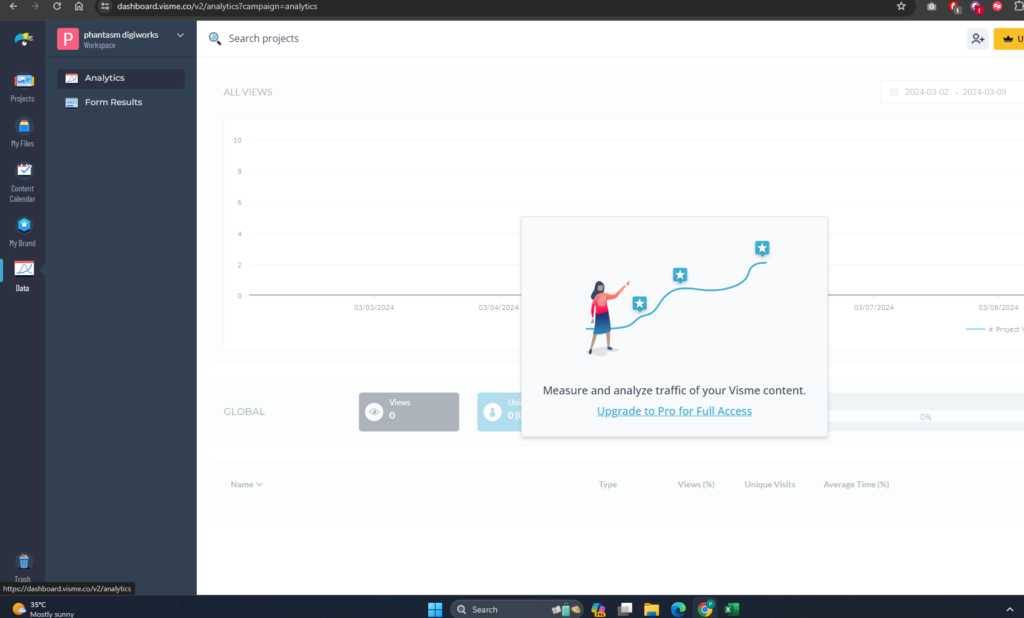
u can see the analytics form the data button in the bottom but u require a premium to access this feature
